A calmer dock for Windows.
In glass.
Two glass docks for your apps, widgets and system tray. The Windows taskbar steps aside while NiveDock runs.
- 32 widgets
- 9 themes
- 9 languages
- ~3.7 MB installer
Join our free beta
NIVE-BETA-C9N79RDownload, install, enter the code when NiveDock asks. Free until 11 November 2026, then decide whether you keep it.
NiveDock is made for Windows PCs.
Open this page on your computer to download it. Send yourself the link and open it on your Windows PC.





Nine themes. Endless tweaks.
Choose a light or dark theme, or match Windows. Adjust the glass finish, transparency and accent colour.
Fully customisable: width, length, transparency, blur and many more. Set it up exactly the way you like.
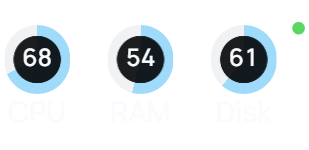
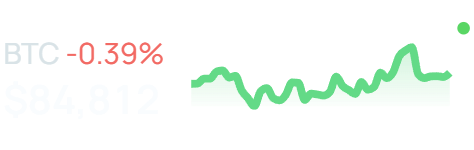
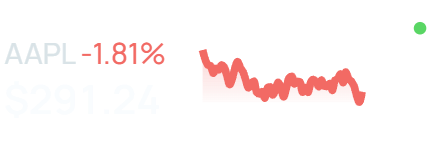
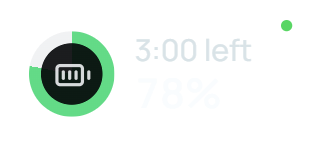
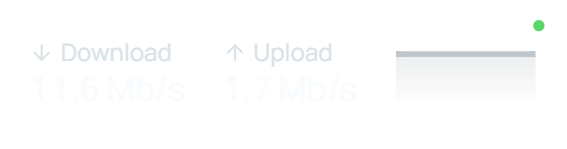
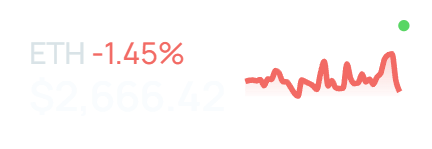
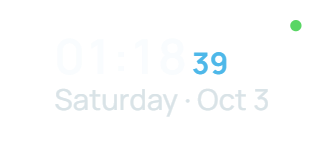
32 widgets. Several sizes. All yours.
Choose a compact or wide view, then arrange widgets however you like.

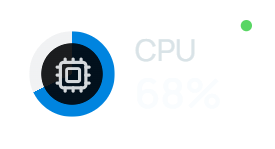
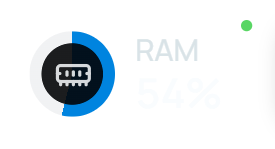
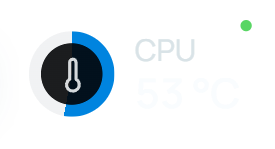
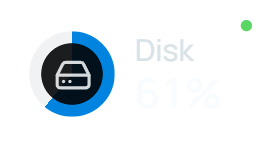









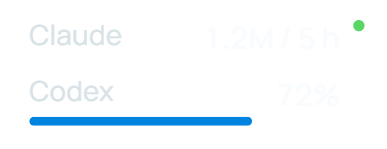
Try the NiveDock demo.
Add a widget, switch themes and move the dock around. The browser demo uses sample apps and data.
Open the demo in a new window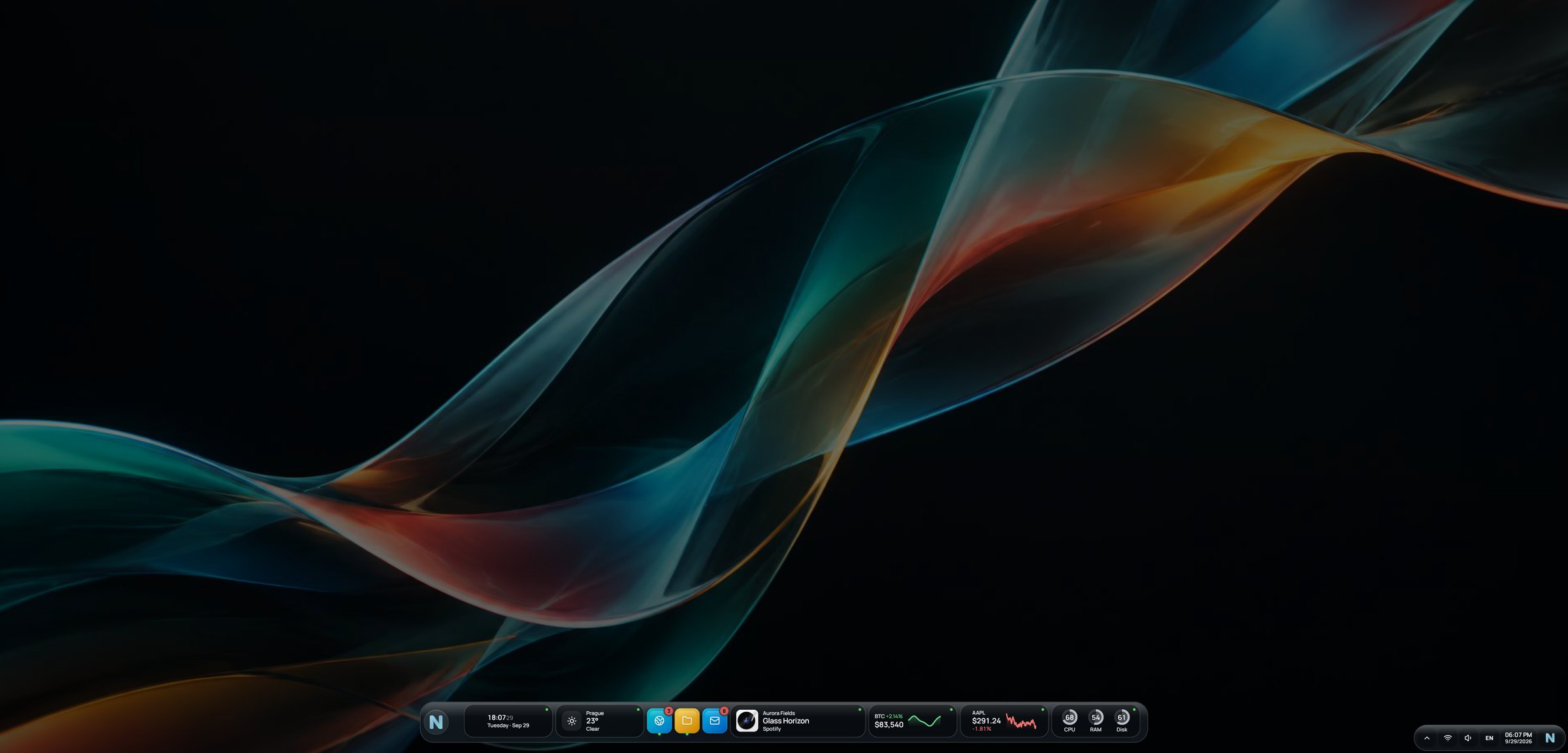
Try the live demo on a computer. Runs in your browser with sample apps and data. Your changes stay in your browser.
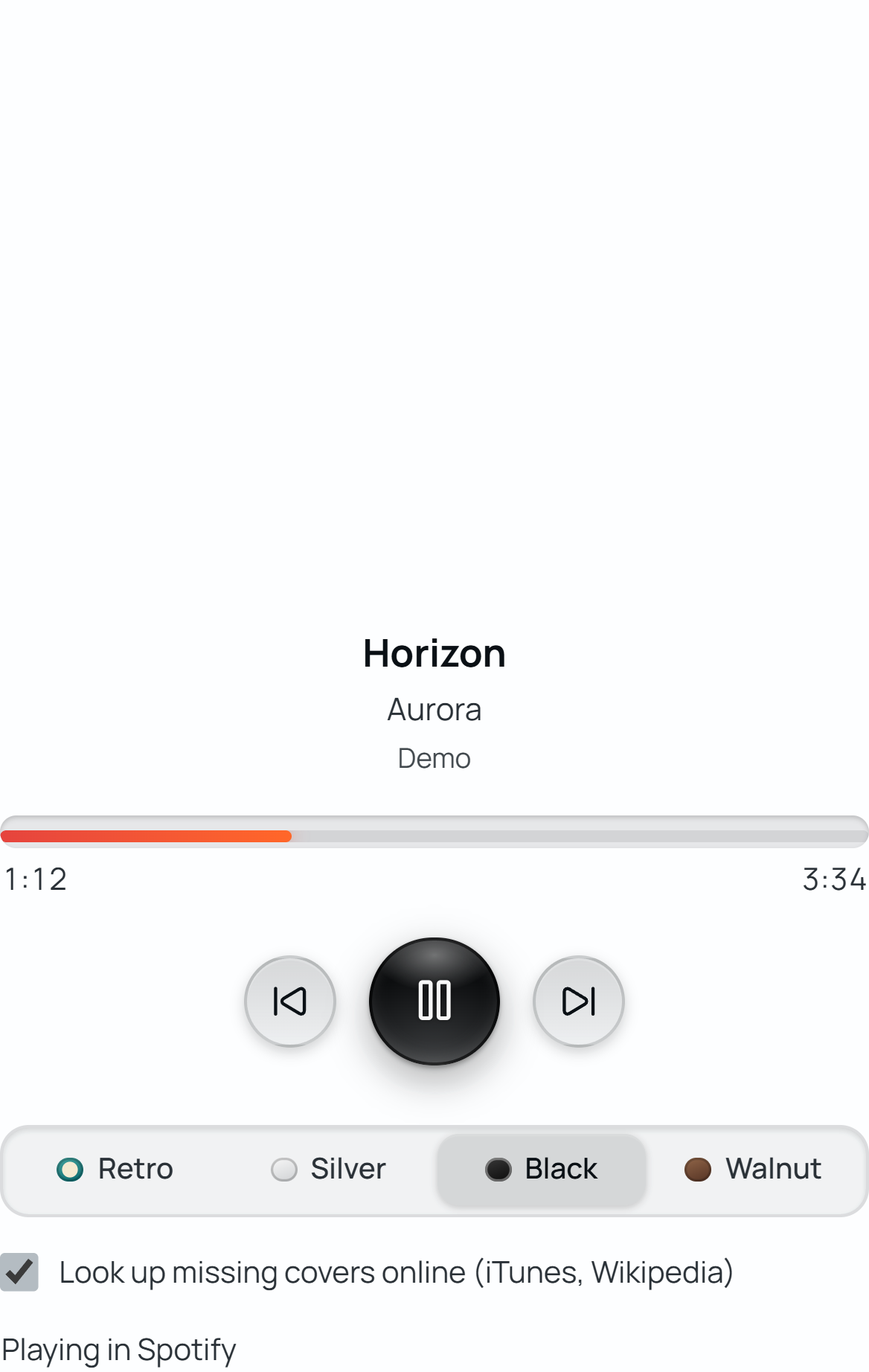
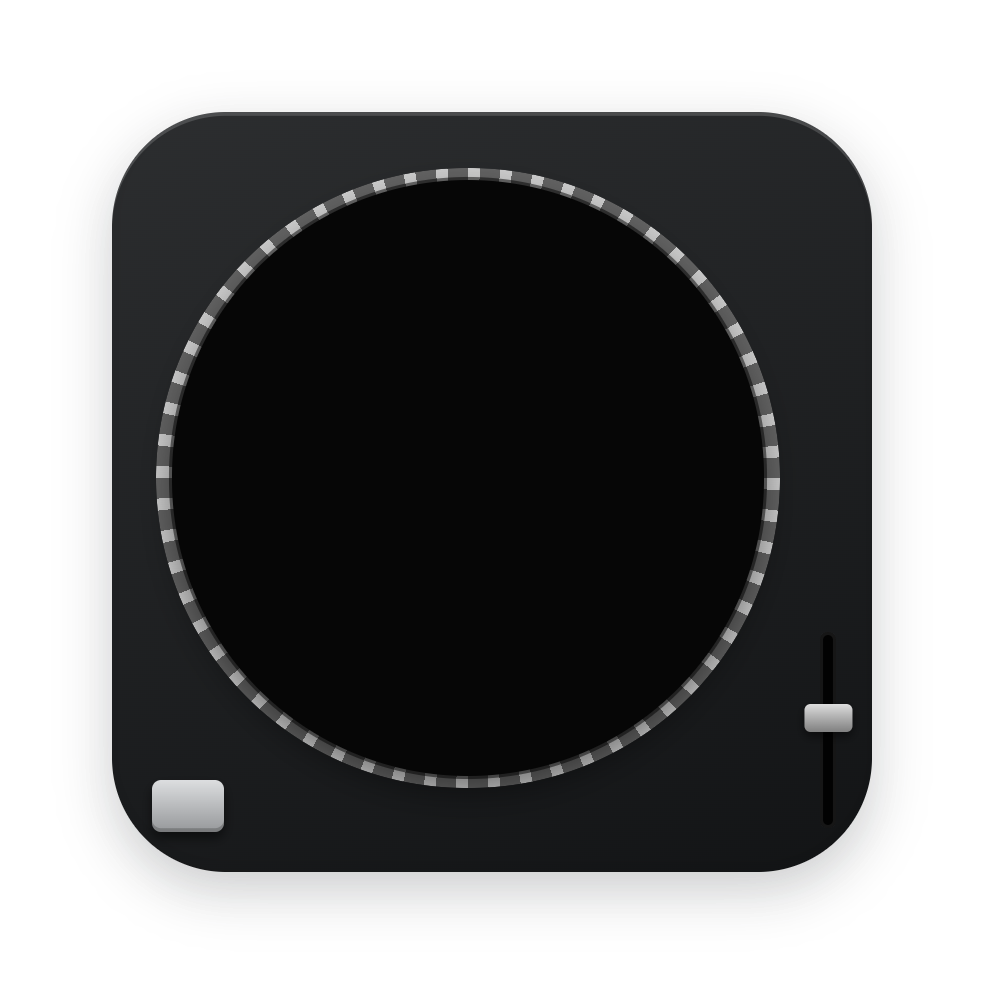


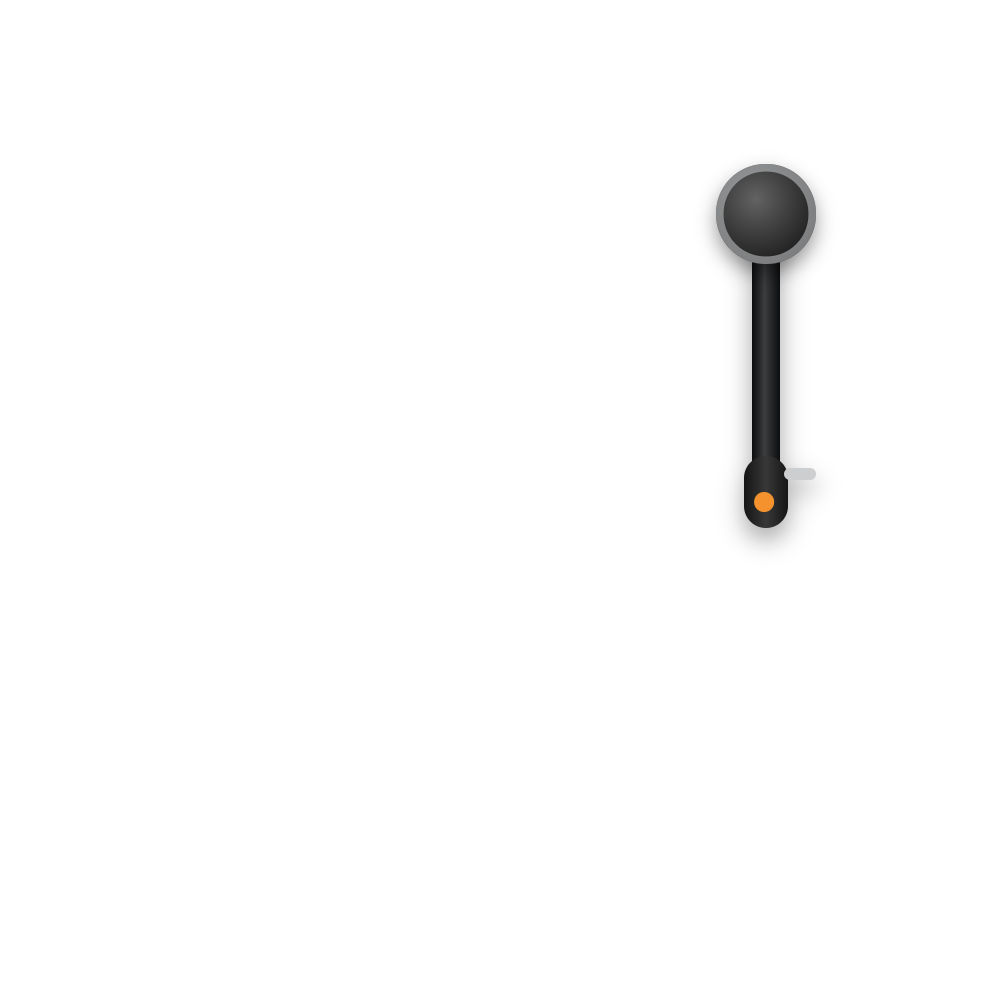
Your music, on vinyl.
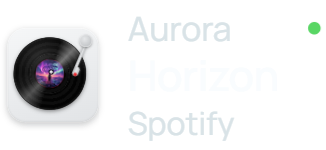
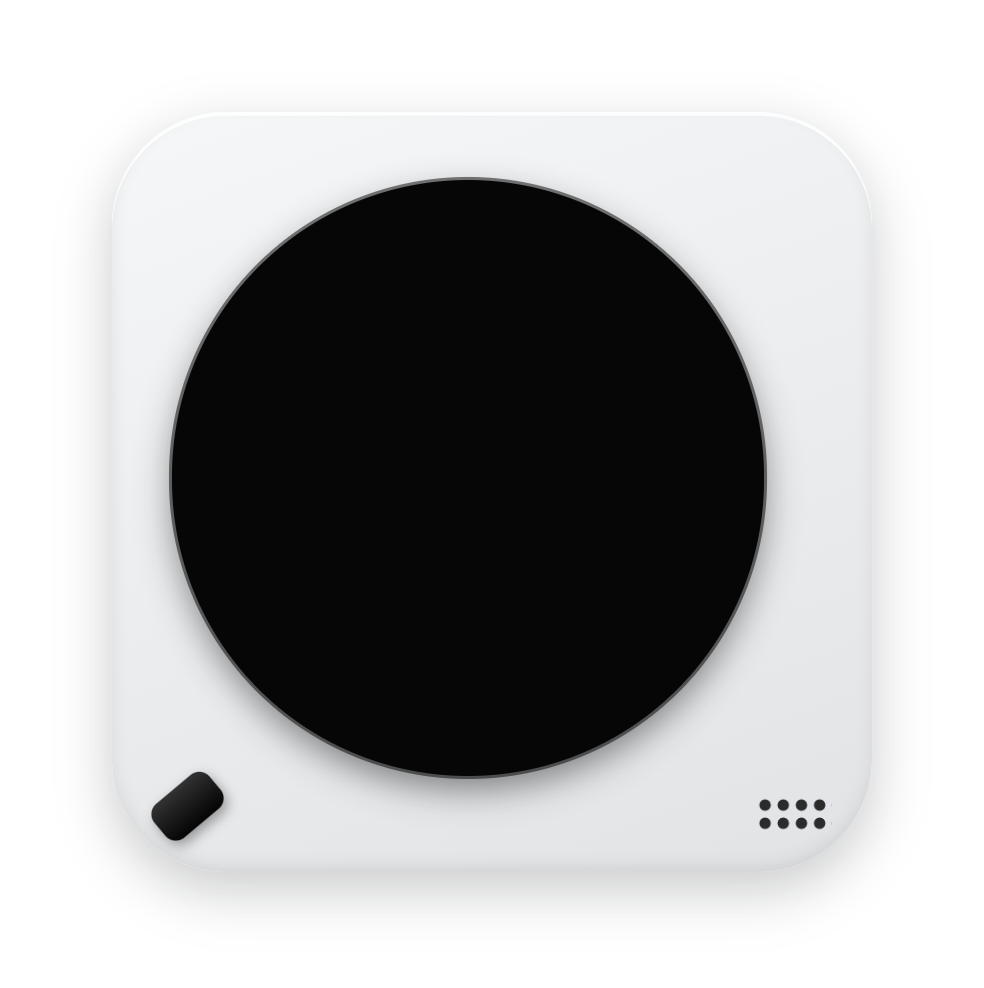
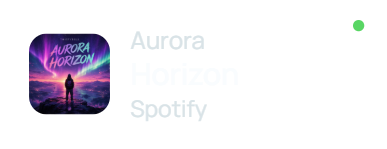
The record spins while music plays in Spotify, Apple Music, TIDAL or YouTube. The album cover is the label and the tonearm moves as the song goes on. Four finishes: Silver, Black, Walnut, Retro.

Your tray, finally beautiful.
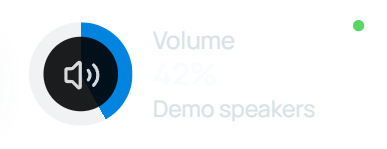
Your tray icons with their real menus, plus Wi-Fi, volume, keyboard language and the clock. The Windows taskbar normally returns when you quit; a recovery entry is available in Start.
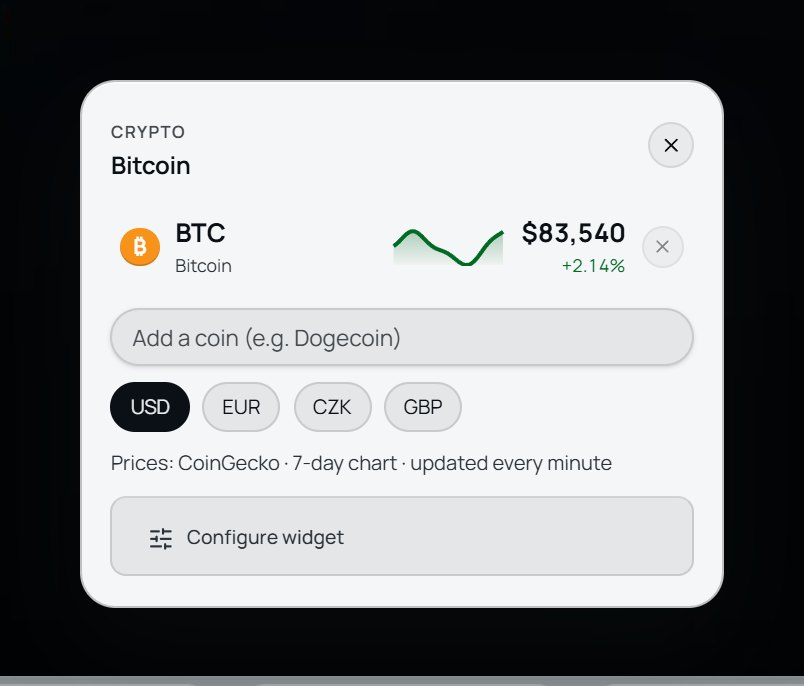
Prices in your currency.
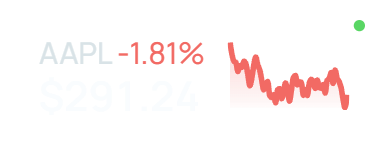
Stocks, indices, commodities and crypto in USD, EUR, CZK, GBP and 26 more currencies, converted at the European Central Bank daily reference rates. New widgets start in the currency of your Windows region.
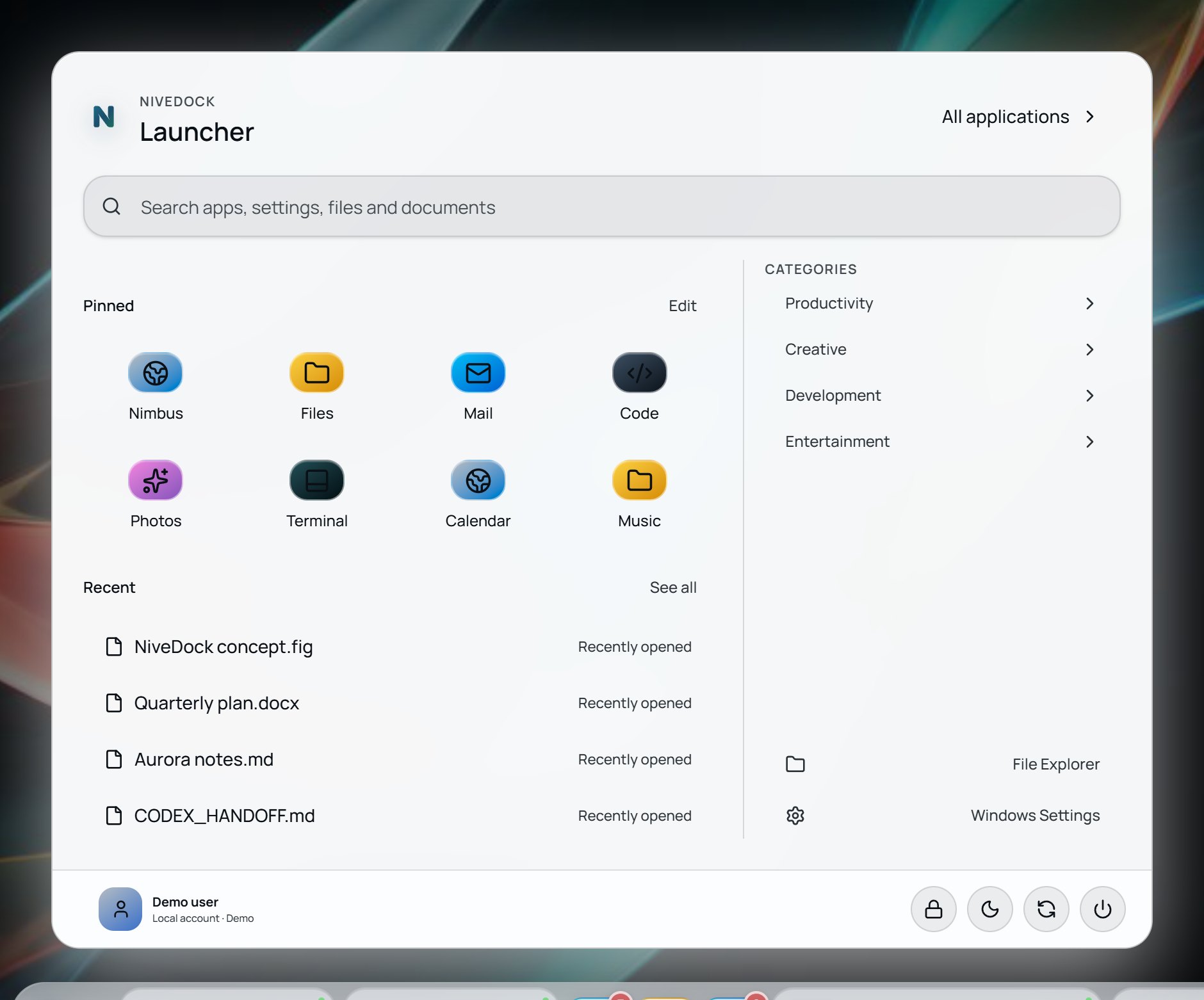
Start from the N.
Search apps, settings and documents. Pinned apps, recent files and app categories are one click away.
Thoughtful details for everyday use.
Small decisions that keep the dock quiet while you work.
30 currencies
Prices shown the way you read them.
Live window previews
Hover an app to see its open windows.
Steps aside for games and films
Full-screen apps get the whole screen. The dock returns when you leave.
A dock per monitor
Each screen gets its own dock and profile.
Nine languages
Switch any time in Settings.
No account, no telemetry
No sign-up and no usage tracking. Error reports are sent only with your consent.
~3.7 MB installer
Installs in seconds, no admin rights.
Safe by design
NiveDock runs alongside Windows without changing system files.
No code injection
It doesn't inject code into Explorer or other apps.
Stays on your PC
Your settings stay on your PC. No account, no telemetry.
Reversible
The taskbar normally returns when you quit or uninstall. A recovery entry is available in Start if needed.
No admin rights
A normal per-user app. Install it without elevating anything.
System files untouched
It doesn't change Windows system files or settings behind your back.
Out of your way
Full-screen games and films get the whole screen. The dock returns when you leave.
One price. No subscription.
One simple licence. No subscription, no account.

NiveDock
Launch price
$7.99
1 PC · one-time purchase · no subscription
- All 32 widgets
- System Dock
- All themes and profiles
- Multi-monitor
- 9 languages
- Free updates for NiveDock 1.x
Questions, answered.
Short answers to what people ask before they install.
Everything that matters. Beautifully within reach.
Make your desktop your own. Restore the original Windows taskbar whenever you like.
NiveDock is made for Windows PCs.
Open this page on your computer to download it. Send yourself the link and open it on your Windows PC.